
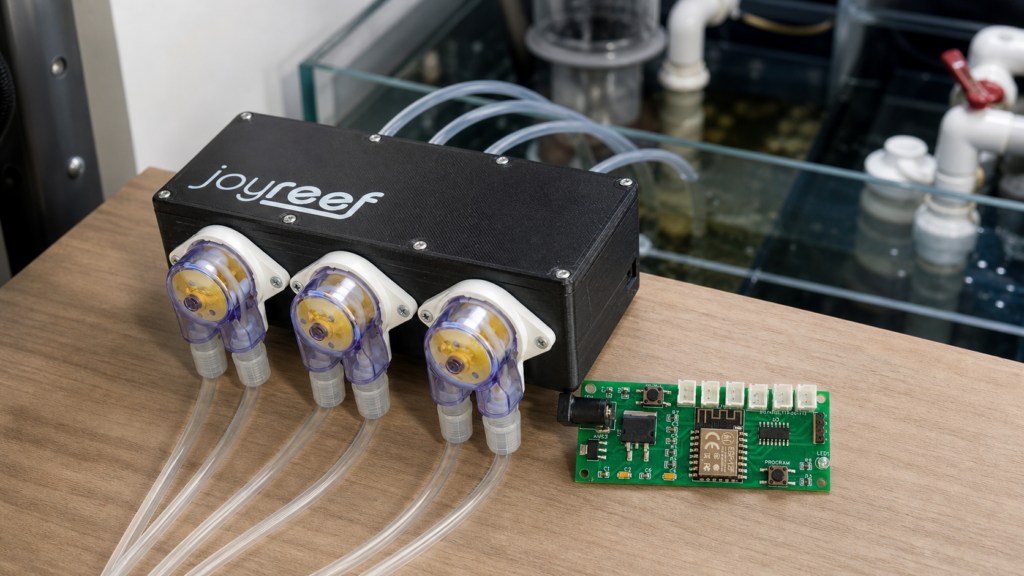
The migration of a JoyReef dosing pump to the new portal should not start with the firmware, but with a check of the data already stored on the pump. The most important part is avoiding the loss of useful references: programs, daily quantities, times, calibrations and channel configuration.
Before you start: what to save
Before updating or reconfiguring the dosing pump, prepare a small technical sheet for each channel. A simple note with this information is enough:
- channel name and product being dosed;
- total quantity in ml per day;
- number of daily doses;
- dosing time window;
- active days, if dosing is not daily;
- calibration values or ml/min measured during calibration;
- remaining container level, if used in the portal.
This step is simple, but it prevents many mistakes. Programs and calibrations should not be treated as data to “guess” after the migration: it is better to write them down first, while the configuration is still visible.
Firmware and connection to the new portal
The migration has two distinct moments: updating the dosing pump with the correct firmware and then connecting it to the new JoyReef portal. For this phase it is best to use the official guides, because the path can change depending on the model and the update method.
Before starting, keep these ready:
- access to the new JoyReef portal;
- your home WiFi password;
- a USB data cable, not charge-only, if you need to use the USB procedure;
- an updated browser, preferably Chrome or Edge for WebUSB procedures;
- a screenshot or photo of the previous configuration.
After the migration: do not immediately restart at full speed
After connecting the dosing pump to the new portal, recreate the channels one at a time. First check the calibration, then set the automatic program. If you are dosing critical elements such as Balling, carbon source, trace elements or liquid foods, it is wise to check the first cycle and verify that the times are consistent with the tank routine.
Common mistakes to avoid
- updating without saving the previous programming;
- confusing a USB data cable with a charge-only cable;
- recreating dosing values from memory;
- skipping calibration after a firmware or configuration change;
- activating all channels without checking the first dosing cycle.
Useful links
If something does not look right during the procedure, the most useful information to provide to support is always the same: dosing pump model, number of channels, exact point of the guide where you stopped, error message or screenshot.