Total time: about 15 minutes · Difficulty: Easy · Prerequisite: Part 2 completed
System testing
Before leaving the system to run on its own, work through these tests:
- ✅ Temperature is reading correctly (check the dashboard)
- ✅ From the Plugs section, manually turn the fan on and off
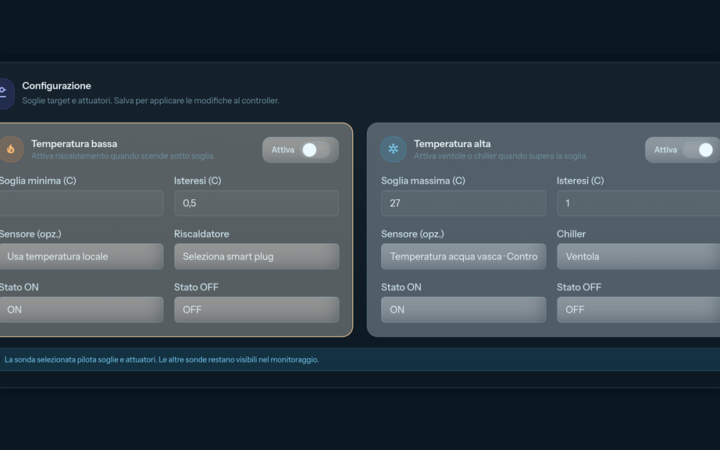
- ✅ In Automations → Temperature rules, temporarily lower the Maximum threshold below your current tank temperature and save: the fan should start within a minute
- ✅ Check that the switch-on shows up in the Events log
- ✅ Restore the original maximum threshold (27) and save again
💡 Tip: keep an eye on the temperature for the first few days and tune threshold and hysteresis to your tank’s real thermal swing.
Routine maintenance
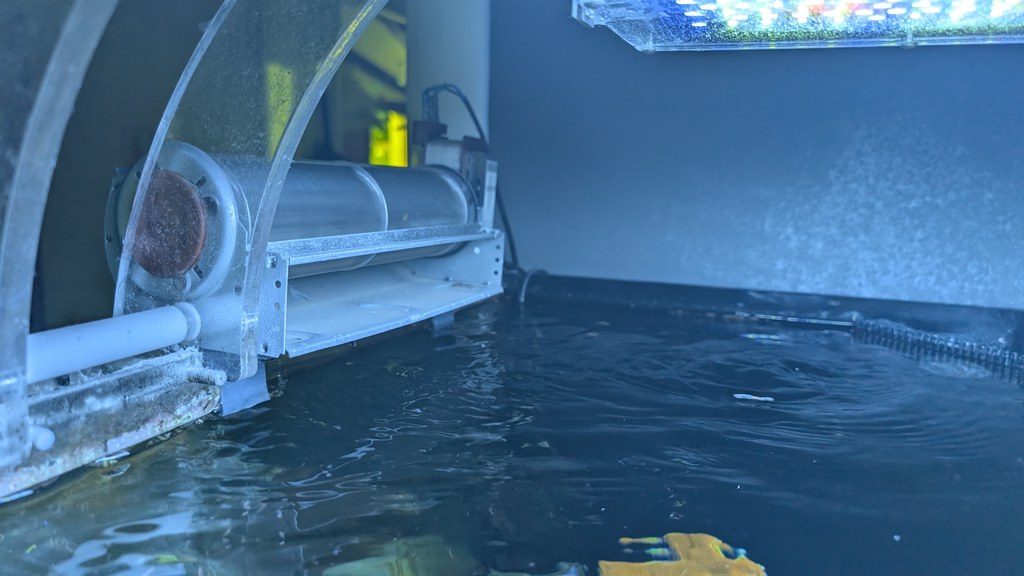
- 🧹 Clean dust off the fan every 2-3 weeks
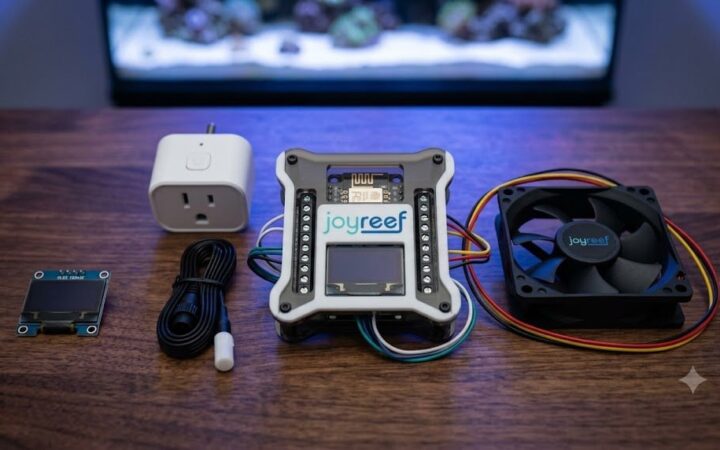
- 🌡️ Check the DS18B20 probe for calcium buildup
- 🔌 Occasionally verify from the portal that the smart plug is online
Troubleshooting
| Symptom | Likely cause | Solution |
|---|---|---|
| No temperature reading | Probe not assigned, or wiring | Devices → controller → Controller configuration: the Temperature probe must have a function (Tank water). Then re-check the wiring (red=VCC, black=GND, yellow=DATA) |
| Fan won’t turn on | Control disabled, actuator not assigned, or plug offline | In Automations → Temperature rules check that “Enable control” is on, that the High temperature panel is enabled, and that the right plug is selected in the Chiller field |
| Fan cycles on and off constantly | Hysteresis too small | Raise the Hysteresis field to at least 1 |
| Stable temperature but fan always on | Threshold too low | Raise the Maximum threshold to 27.5-28 |
| Temperature drops too far (below 24 °C) | Fan too powerful or badly positioned | Reduce airflow or reposition the fan |
What you’ve built
With a handful of components you’ve built a system that:
- 🌡️ Monitors tank temperature around the clock
- 🔔 Alerts you when temperature crosses critical thresholds
- 🌀 Runs the fan only when it’s actually needed
- 📊 Shows you the temperature history
- 📱 Is controllable from anywhere in the world
Where to go next
The same principle extends easily:
- ➕ Multiple fans in parallel, for more airflow
- 🔥 Heater on a smart plug: same panel, Low temperature box with the Heater actuator
- 📊 Dual probe (tank + sump) for cross-checking
- 🌊 Automatic top-off (ATO), using the same smart plug you’ve just learned to pair
Followed the series all the way through? If you haven’t connected your tank yet, the JoyReef beta is free and open: portal.joy-reef.com/beta
Revisit the other parts: Part 1 — parts and wiring · Part 2 — configuration and rules
JoyReef Guide · Part 3 of 3 · v1.1 · Questions? Write to supporto@joy-reef.com